TeraPlay
Streaming frontend for Terabox media
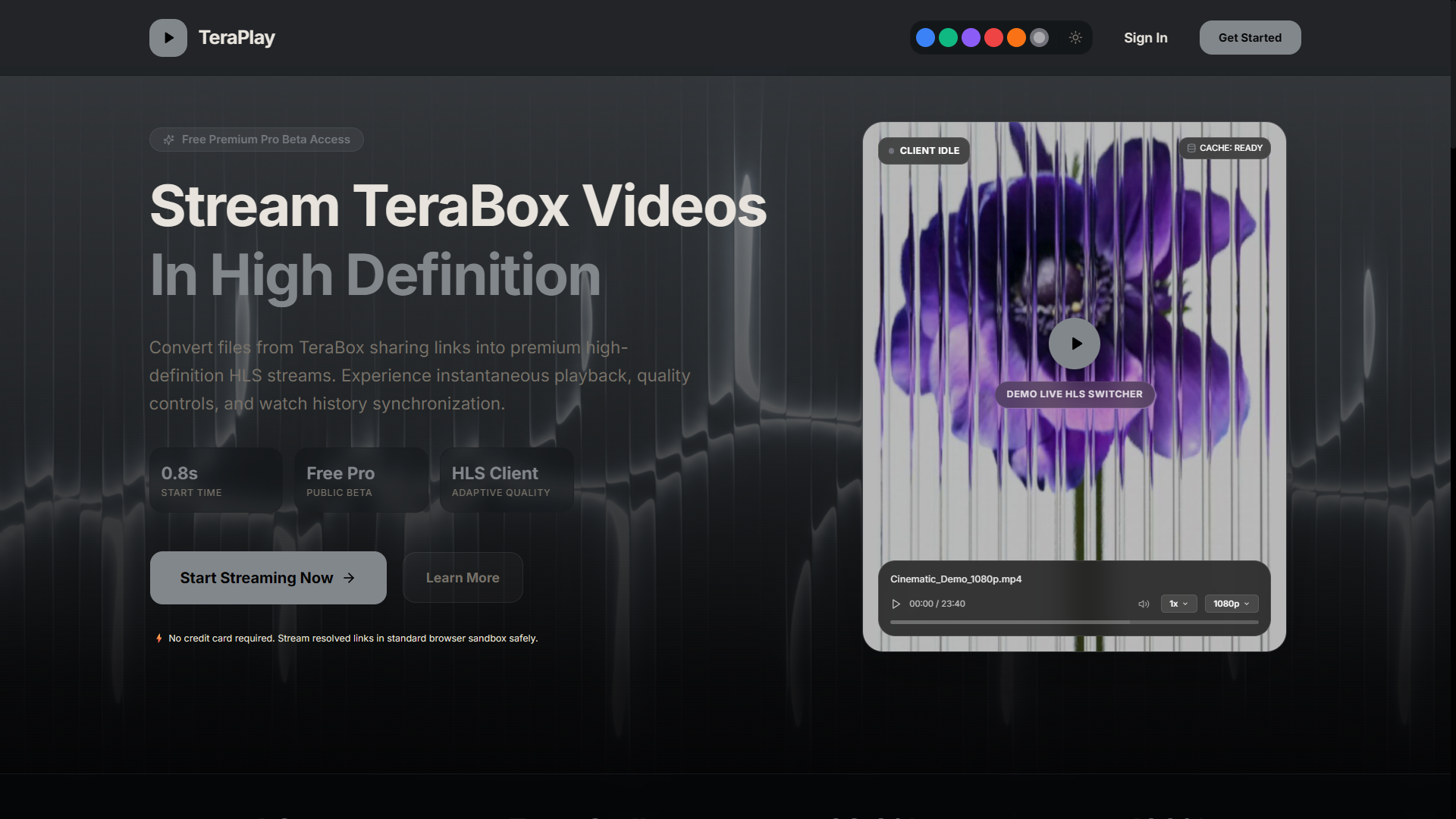
TeraPlay is the consumer-facing frontend that pairs with Terabox Gateway. Built with React, Vite, and Tailwind CSS, it resolves a Terabox link and plays the resulting stream with HLS.js, focusing on speed and a clean playback UX.
01
Overview
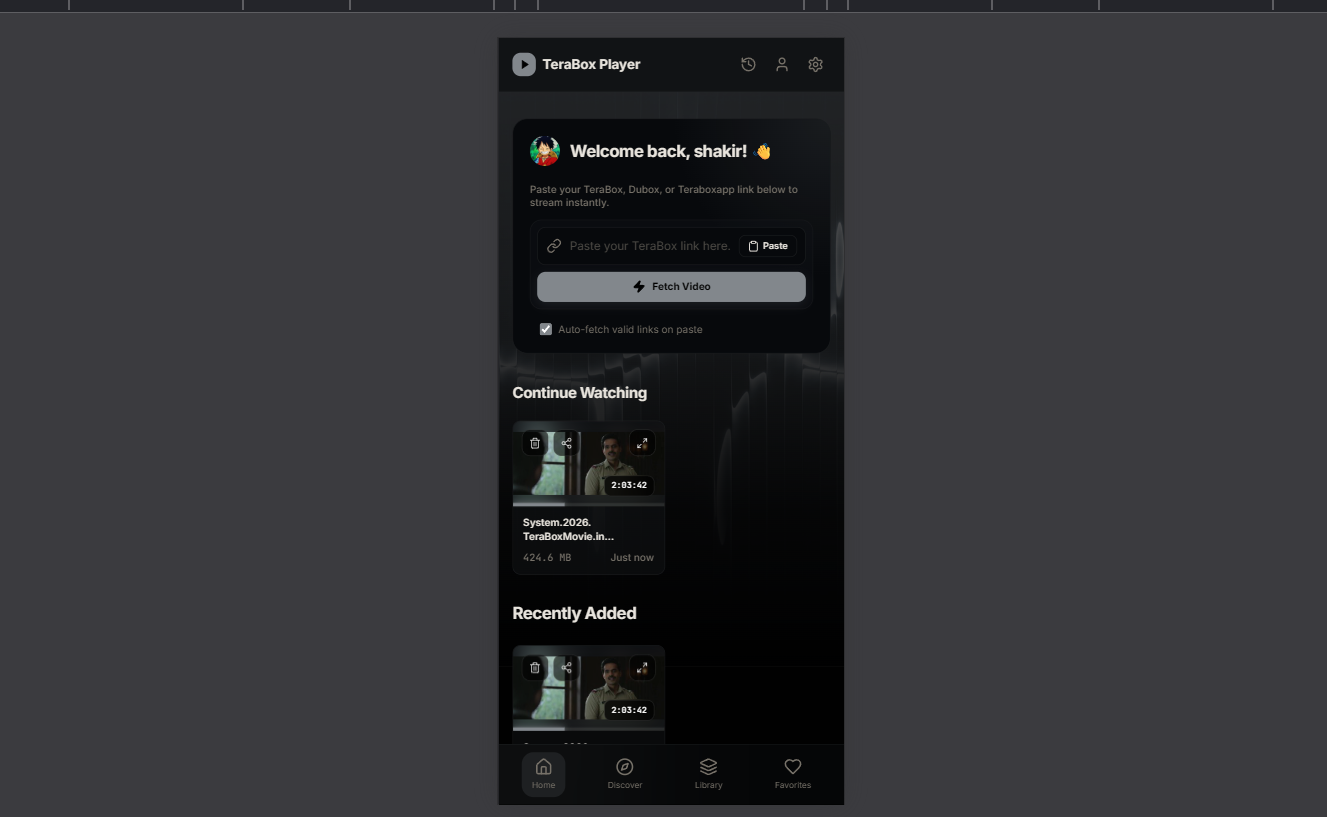
TeraPlay turns a Terabox link into an instant playback experience. Paste a link, the app calls Terabox Gateway, and an HLS.js player streams the resolved media with custom controls. The interface is deliberately minimal — fast to load, easy to use, and responsive from phone to desktop.
02
Features
- Paste-a-link playback powered by Terabox Gateway
- HLS.js streaming with adaptive quality
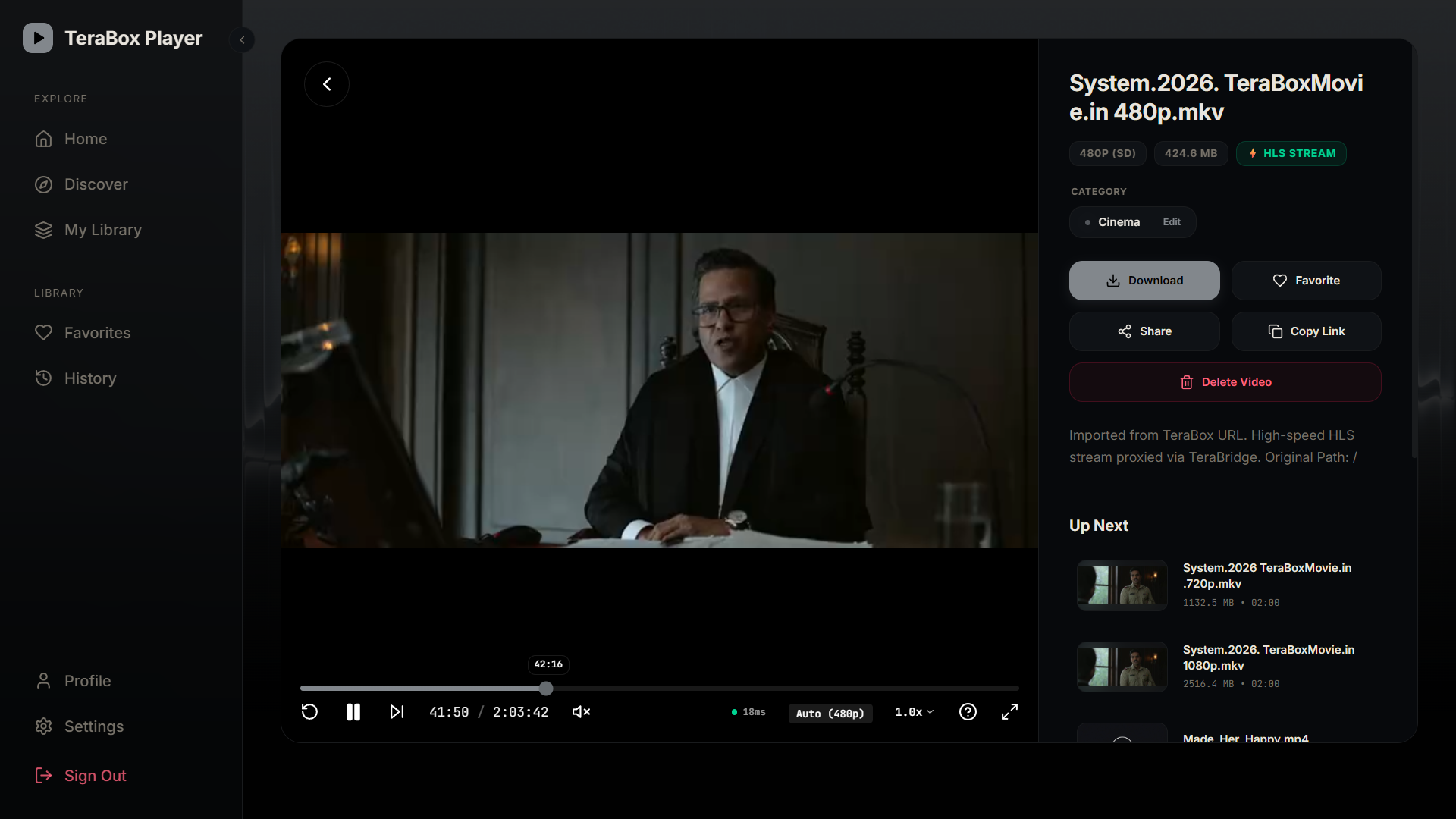
- Custom player controls (play, seek, volume, fullscreen)
- Fast Vite build with code-splitting for quick first paint
- Fully responsive from mobile to desktop
- Accessible controls with keyboard support
03
Architecture
- React 18 + Vite single-page application
- Tailwind CSS 4 utility-first styling
- HLS.js for adaptive HTTP streaming playback
- Thin API client layer wrapping Terabox Gateway
- Component-driven player with isolated control logic
04
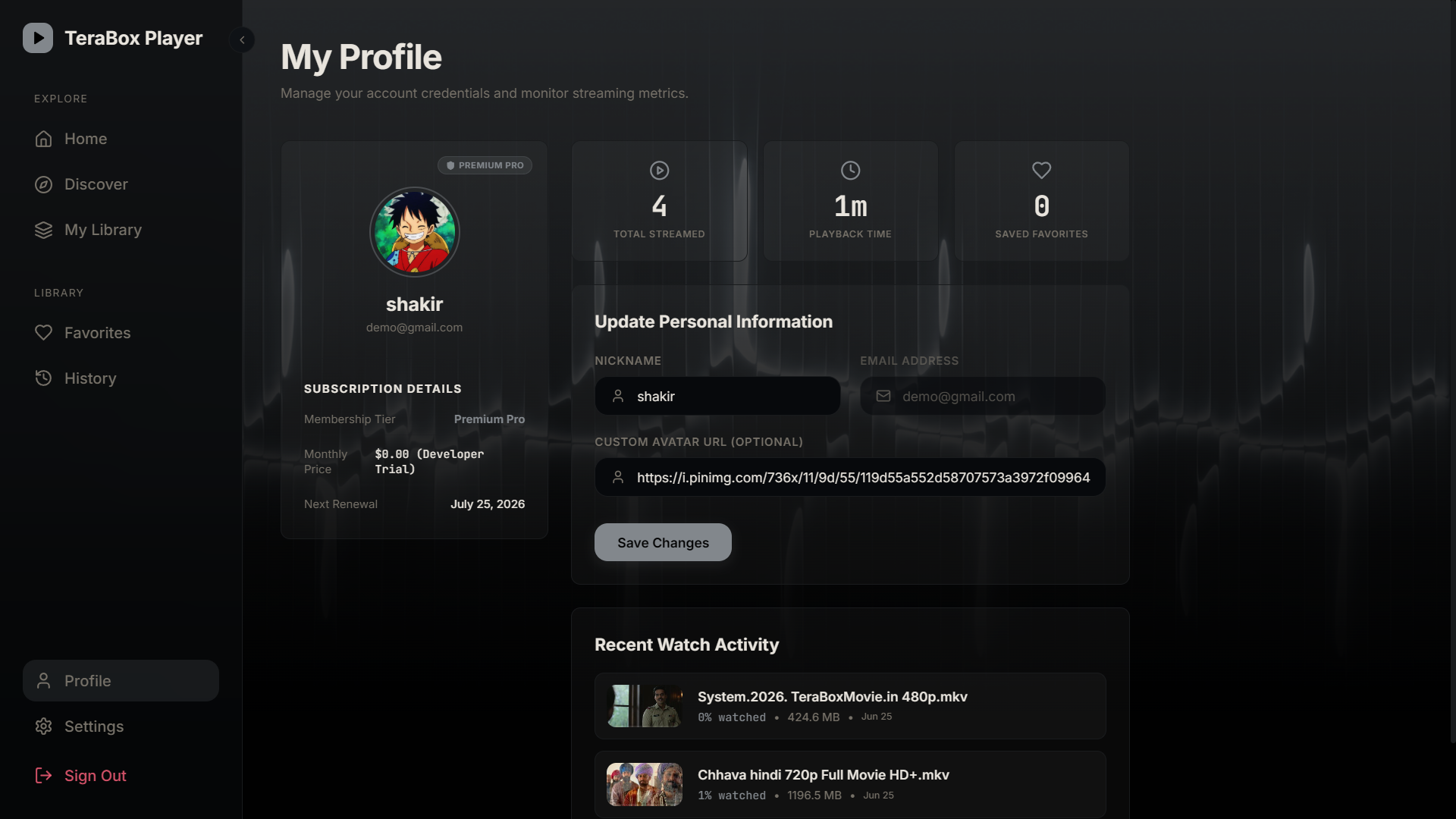
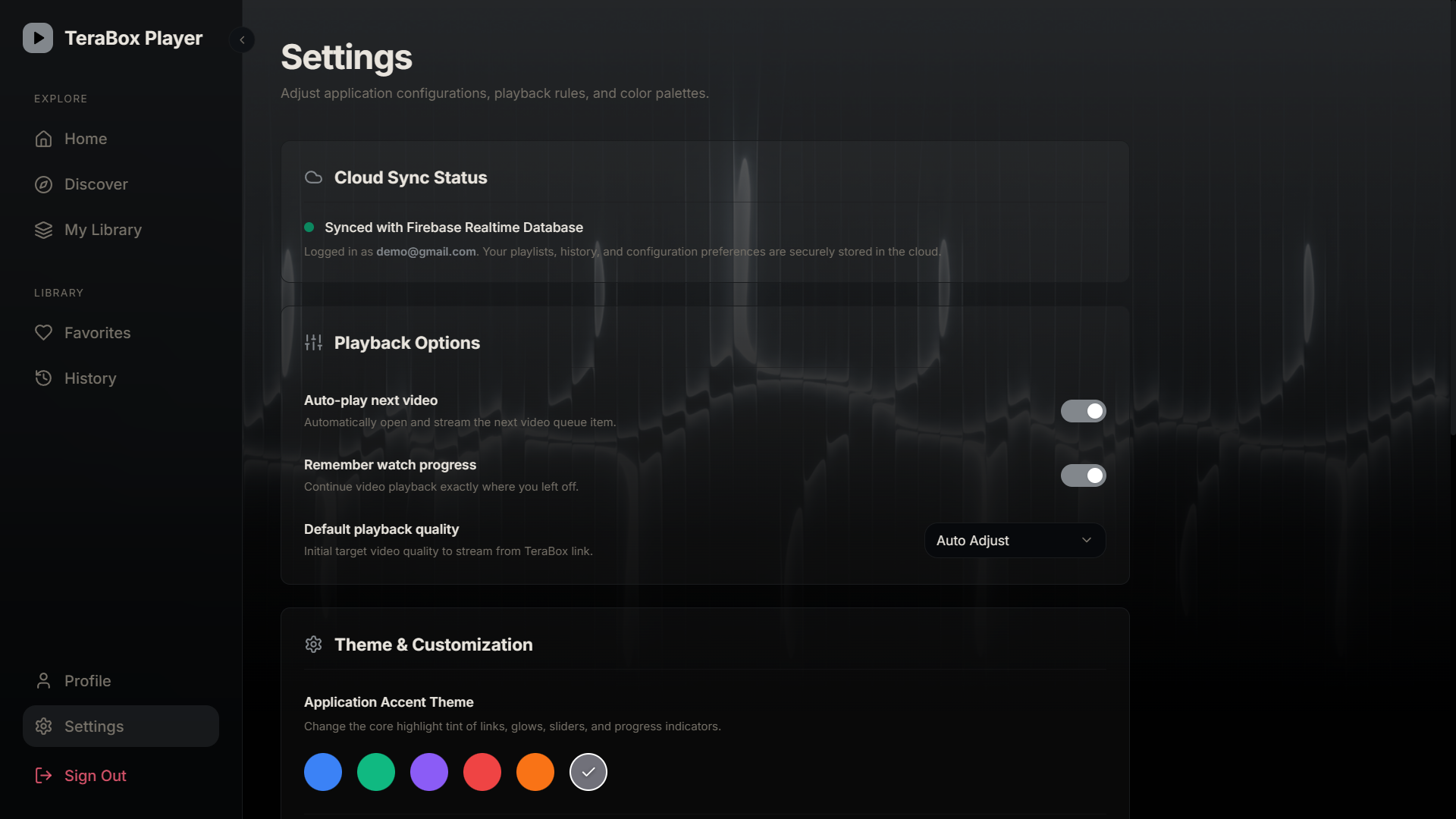
Screenshots
05
Tech Stack
06
Challenges Solved
Cross-origin streaming
Resolved media URLs are cross-origin. HLS.js configuration and correct CORS headers on the gateway made adaptive streaming work reliably in the browser.
Perceived performance
Streaming UIs feel slow if the player mounts late. Code-splitting and deferring non-critical work got the player interactive as fast as possible.
Player reliability across browsers
Native HLS support is inconsistent. Feature-detecting and falling back to HLS.js on non-Safari browsers gave uniform playback everywhere.